
Product
Company
Resources
Video walkthrough · 1:27
Rooms: run a meeting that ends in a decision
Watch how to start an Align room, invite your team and run the call with an AI facilitator that keeps time, answers from your docs and gets a yes or no.
About Rooms
Rooms is the core of Align: a browser video room built for decision meetings like launch go/no-go calls, scope calls and design reviews. Instead of only recording the call, the AI facilitator takes part in it, so the meeting ends with an explicit decision everyone signed off on.
What the video covers
- 1Start an AlignWrite the question you need answered, set the time box and attach the documents that matter.
- 2Invite your teamShare a link or a join code. People join from the browser with no install.
- 3Run it with AI in the roomAlign keeps the call on the question, answers from your documents with the page it came from, and points out disagreements.
- 4Get a clear yes or noBefore time runs out, everyone confirms on the record. The decision, the reasoning and the tasks are saved.
More walkthroughs
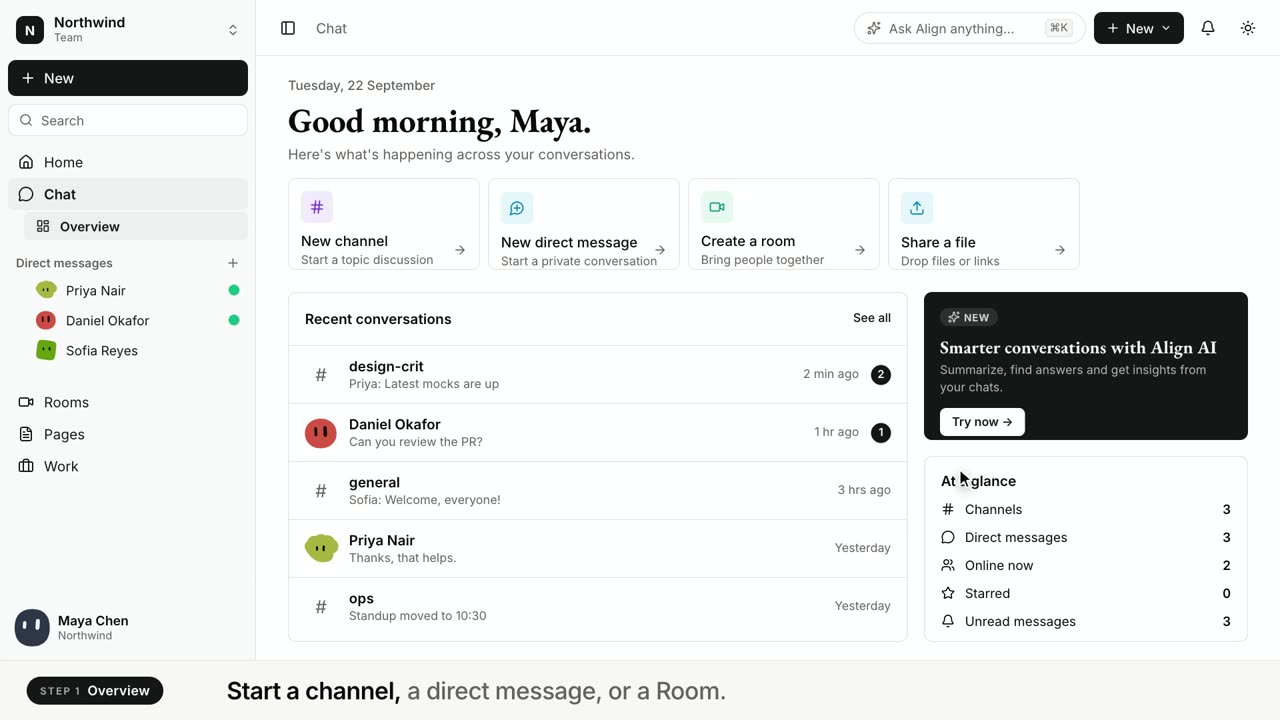 Chat · 1:20Chat: team chat that keeps its contextWatch how to start a channel, share a page into the conversation and ask Align to summarize the thread or pull out what was decided.Watch
 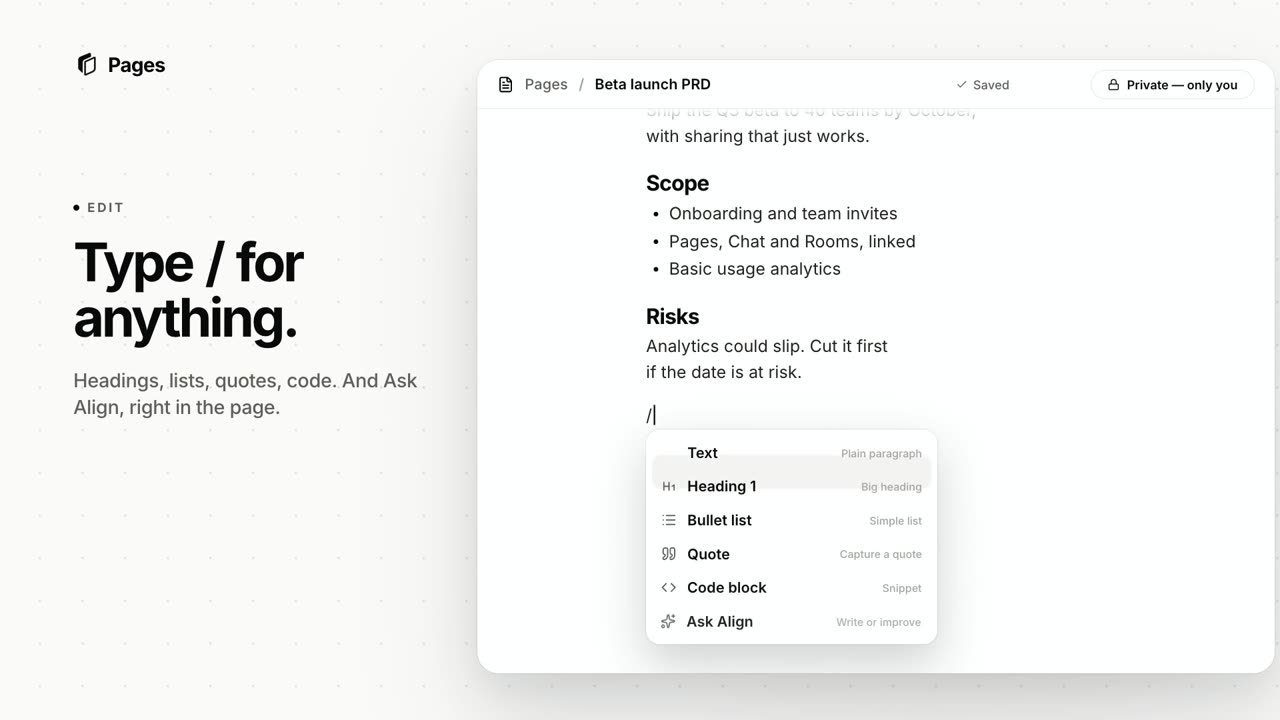 Pages · 1:08Pages: docs linked to your decisionsWatch how to draft a doc with Align, pull in context from Chat, Plans and Rooms, and write it together with comments, live cursors and versions.Watch
Let tomorrow’s standup write itself
Sign up, connect Jira or Linear (or just use Plans), and hold your standup as usual. The tickets are drafted by the time you hang up, and the next update is ready before anyone asks.
Free plan Two-way sync Nothing moves without your OK
Done yesterday
ENG-219 · Invite flow
In review
ENG-205 · Billing webhook
ENG-231 · from Daily standup
Ship the onboarding flag for new teams