
Product
RoomsWhere the standup or decision happensPagesSpecs and notes Align reads, and finds tasks inPlansTickets from every meeting, in sync with Jira and LinearChatTeam threads that feed the same contextAlign for CallsMeet, Teams and ZoomAlign for MacBetaCompanion in your notchCoding agents (MCP)Claude Code, Cursor, ChatGPTSee the loop in action
Company
Resources
Video walkthrough · 1:08
Pages: docs linked to your decisions
Watch how to draft a doc with Align, pull in context from Chat, Plans and Rooms, and write it together with comments, live cursors and versions.
About Pages
Pages is Align's docs app. A page keeps a link to the decision behind it, so when someone asks why the plan looks the way it does, the answer is in the doc.
What the video covers
- 1Draft with AlignStart from a template, or ask Align to write the first draft for you.
- 2Linked contextThreads from Chat, tasks from Plans and decisions from a Room appear right in the page.
- 3Write it togetherComments, live cursors and named versions, then share it anywhere.
More walkthroughs
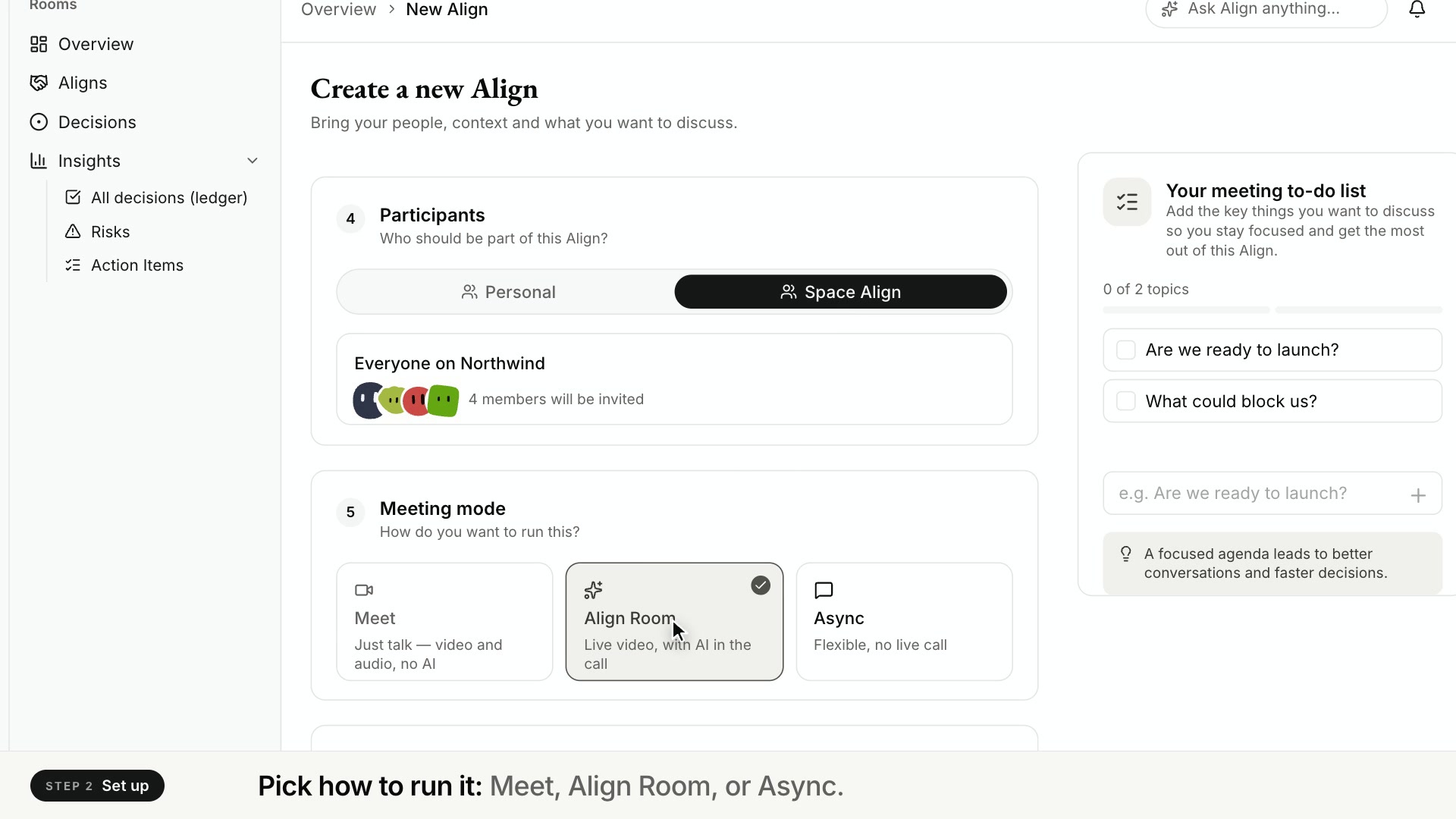 Rooms · 1:27Rooms: run a meeting that ends in a decisionWatch how to start an Align room, invite your team and run the call with an AI facilitator that keeps time, answers from your docs and gets a yes or no.Watch
 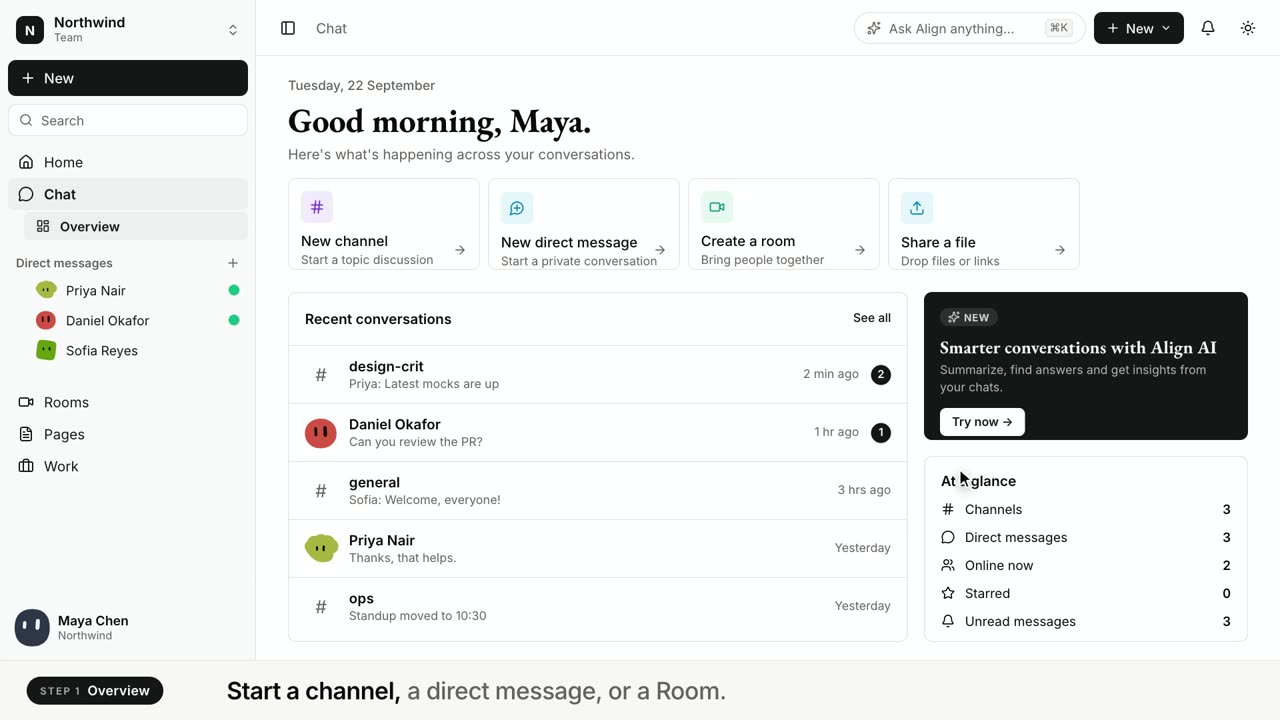 Chat · 1:20Chat: team chat that keeps its contextWatch how to start a channel, share a page into the conversation and ask Align to summarize the thread or pull out what was decided.Watch
Let tomorrow’s standup write itself
Sign up, connect Jira or Linear (or just use Plans), and hold your standup as usual. The tickets are drafted by the time you hang up, and the next update is ready before anyone asks.
Free plan Two-way sync Nothing moves without your OK
Done yesterday
ENG-219 · Invite flow
In review
ENG-205 · Billing webhook
ENG-231 · from Daily standup
Ship the onboarding flag for new teams
To doIn progressIn reviewDone